Web Apps & Platforms
When a website needs to do more than communicate, eLab designs and builds custom web applications and digital platforms around the workflows, users and systems that make the business work.
Portals. Dashboards. Directories. Membership systems. Event platforms. Business tools. Connected digital experiences.
When a Website Becomes a Product
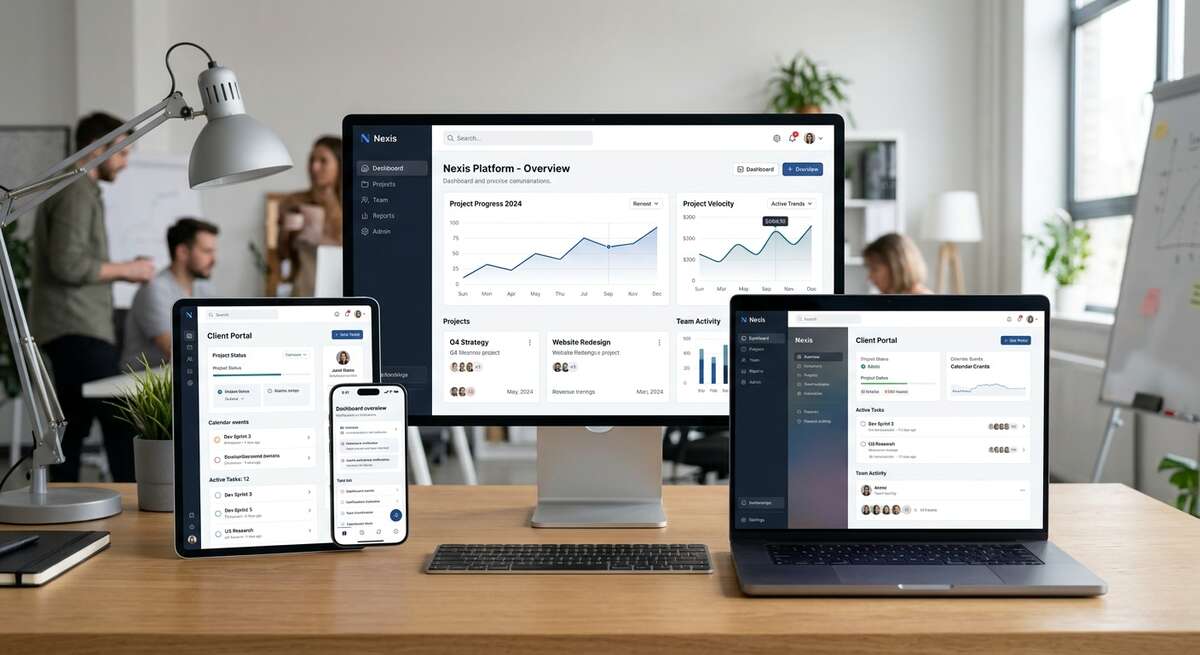
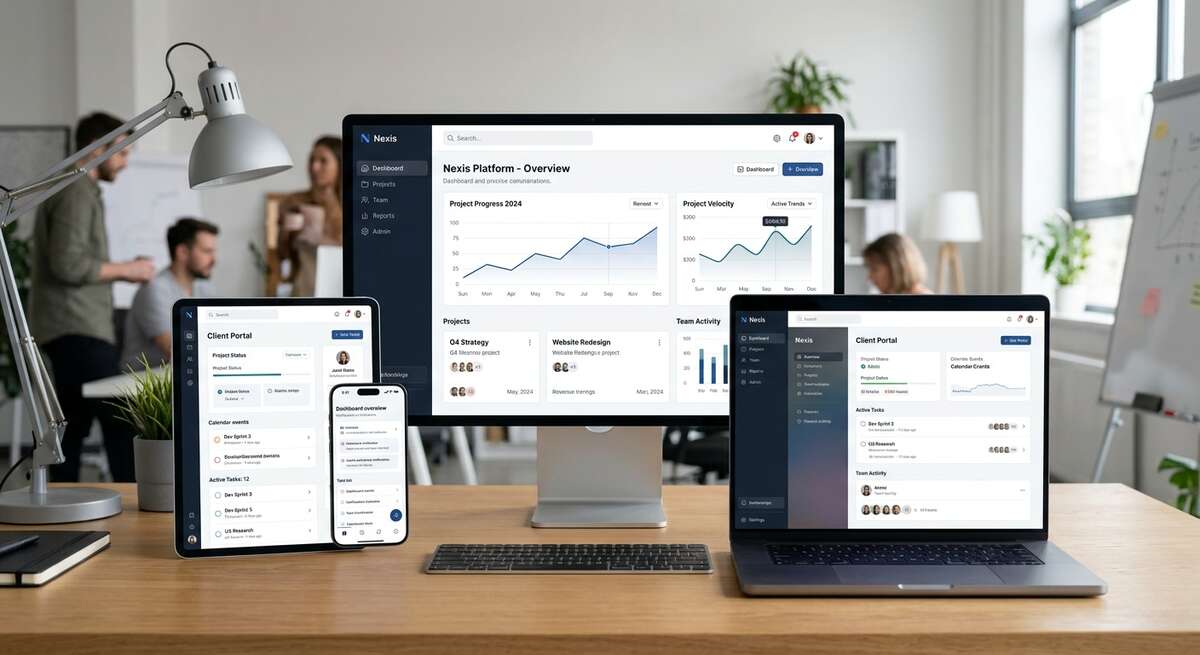
Some digital experiences need to do more than present information. They need to accept data, manage users, connect systems, organize content, support transactions or help people complete real tasks. That is where a custom web application becomes more valuable than a conventional website.
User Experience
Interfaces designed around what customers, members, staff or partners need to accomplish.
Business Logic
Workflows, permissions, calculations, actions and processes built around the organization.
Data
Structured content, databases, APIs and real-time information.
Administration
Tools that allow teams to manage users, content, data and operations efficiently.
What We Build
Customer Portals
Secure experiences for customers, clients or partners.
Membership Platforms
Member directories, resources, events, benefits and account experiences.
Business Dashboards
Internal tools for managing data, activity, workflows and reporting.
Directories & Discovery Platforms
Searchable databases, maps, filters and structured listings.
Event Platforms
Registration, schedules, exhibitors, attendees, sponsors and event information.
Marketplace & Listing Systems
Structured inventory, products, services or other searchable content.
Workflow Applications
Digital tools built around internal or customer-facing business processes.
Custom Business Tools
Purpose-built applications that do not fit an off-the-shelf platform.
Built to Last Beyond Launch.
Performance, accessibility, maintainability and structured architecture matter even more as an application grows. The platform should be able to evolve without becoming increasingly fragile.
Performance Optimization
Fast loading and smooth interactions.
Accessibility
Inclusive design that meets WCAG standards.
Reusable Components
Design systems for consistency and efficiency.
Structured Data
Clean database architecture.
Scalable Architecture
Built to handle growth.
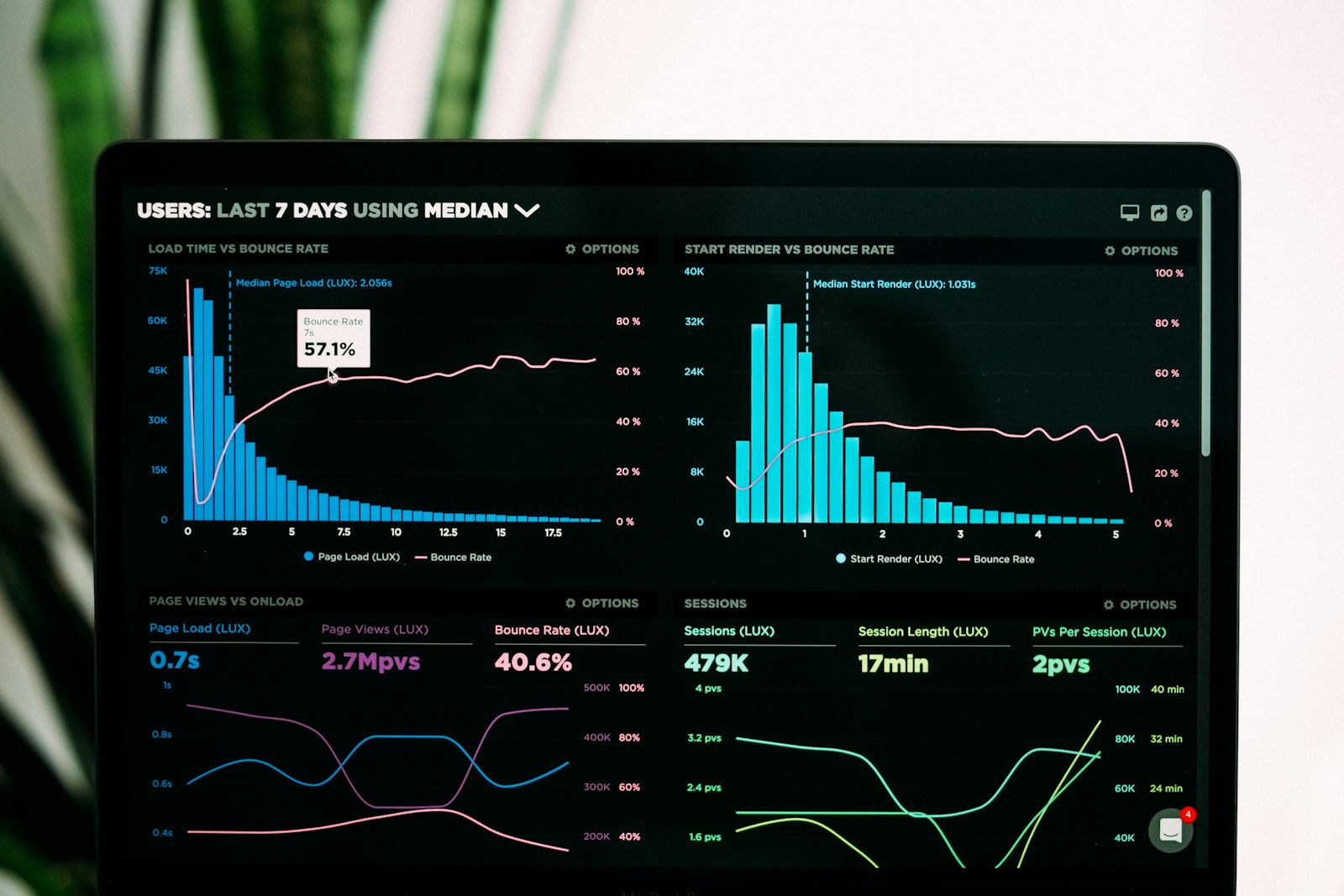
Analytics
Deep insights into user behavior.
Maintainable Code
Modern frameworks and clear conventions.
CMS / Admin Documentation
Clear guidance for operators.
The Experience Is Only Half the Product.
A well-designed application needs both a polished user experience and a strong administrative system behind it. We design the public and internal sides together so the platform remains usable long after launch.
- •Front End: Responsive UX, navigation, search, forms, dashboards and customer interactions.
- •Admin: Content management, users, permissions, workflows, data and reporting.
Connected to the Systems Behind the Business
Custom applications often depend on data and services that live elsewhere. APIs, databases and integrations allow the experience to connect with the systems the organization already uses.
- •Custom Databases
- •REST / API Integrations
- •CRM & Payments
- •Reservations & Authentication
- •Email / Marketing Platforms
- •Analytics & Third-Party Data
Different Users. Different Experiences.
Many applications serve more than one type of user. Customers, administrators, staff, vendors, members or partners may each need different access and functionality.
- •Authentication & User accounts
- •Roles & Permissions
- •Gated content
- •Personalized dashboards
Automate the Repetitive Parts.
Automation can reduce manual work by connecting actions across the platform—routing leads, triggering communications, updating records, processing data or coordinating workflows.
- •Lead routing & Confirmations
- •Notifications & Record updates
- •Scheduled processes
- •Content workflows & Reporting
Built for the Device People Actually Use.
Many web applications are used primarily on phones or tablets. The experience should be designed around real mobile behavior rather than treated as a smaller version of desktop.
- •Responsive application UX
- •Touch-friendly controls
- •Simplified mobile workflows
- •Performant data loading
- •Progressive web app capability where appropriate
When Does a Custom Platform Make Sense?
Custom development makes sense when the business requirement cannot be handled well by an off-the-shelf service. Good candidates include: unique workflows, multiple user roles, proprietary data, complex search/filtering, connected systems, dashboards, membership logic, event operations, specialized business processes. If a simpler solution will work better, we should use the simpler solution.
Built Around Real Workflows.
The technology should follow the business—not force the business to work around the technology. We begin by understanding the users, information, actions and systems involved before deciding how the application should be structured. The result should feel simple to the user even when the system behind it is sophisticated.
Related Capabilities
Have an Idea That Doesn’t Fit a Template?
Tell us what users need to accomplish, how the business works and which systems need to connect. We’ll help shape the right digital approach.