
AI & Automation
AI and automation are most useful when they reduce friction, improve consistency and help people spend less time on repetitive work. eLab applies these tools where they make the digital experience or the business process meaningfully better.
Workflows. Content Operations. Data. Lead Routing. Customer Support. Integrations. Intelligent Interfaces.
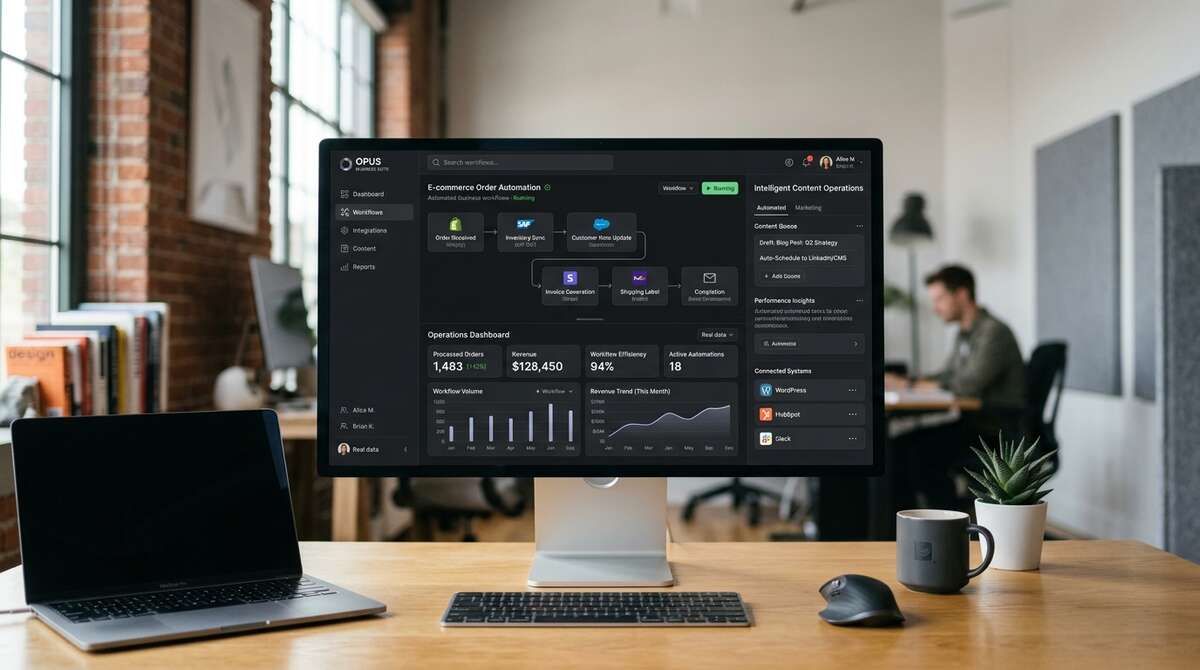
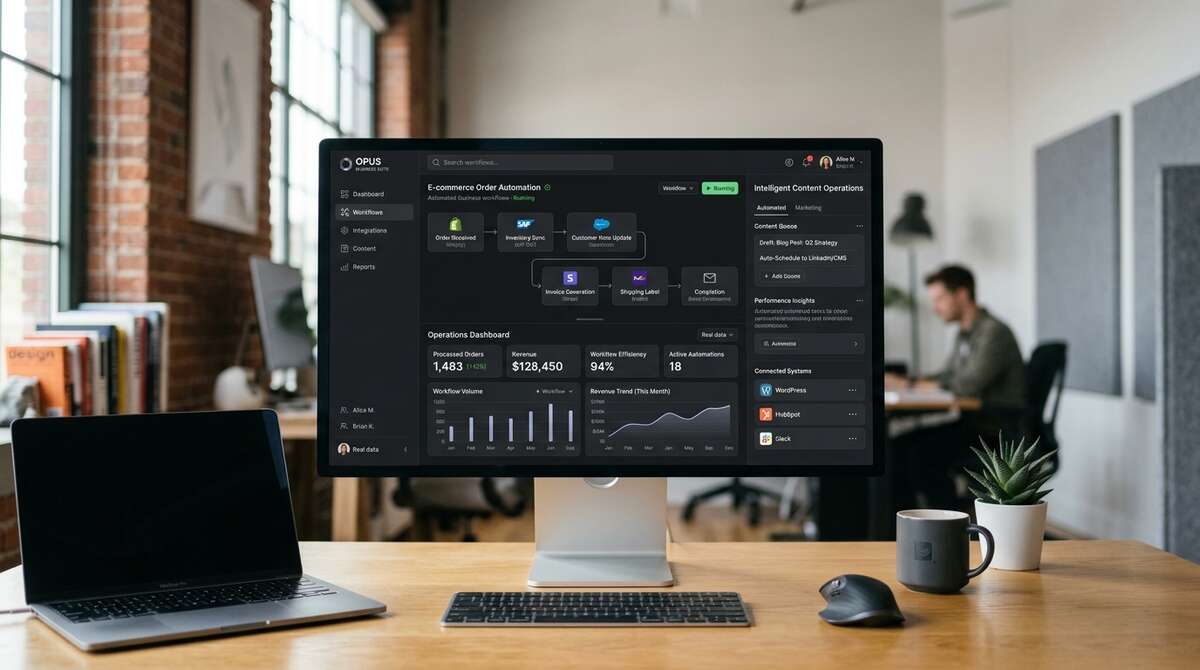
Automation Should Solve a Real Problem
The right place to start is not “Where can we add AI?” It is “Where is the work repetitive, inconsistent, slow or difficult to scale?” Once the problem is clear, automation can be designed around the actual workflow.
Repetitive Work
Reduce manual steps that happen the same way again and again.
Information Flow
Move data between systems without requiring duplicate entry.
Decision Support
Surface relevant information so people can act more quickly.
Customer Experience
Help users get answers, complete tasks or find information more efficiently.
What We Automate
Lead Routing
Send inquiries to the right person, workflow or CRM based on context.
Notifications & Confirmations
Trigger email, status or internal notifications when key actions occur.
Content Workflows
Support publishing, approvals, formatting, tagging and content operations.
Data Processing
Clean, transform, categorize or move structured information between systems.
Customer Support Workflows
Help users find relevant information or route requests more effectively.
Reporting
Collect and organize data for recurring internal or client reporting.
Scheduled Processes
Run repetitive tasks on a schedule without manual intervention.
System Synchronization
Keep data aligned across connected platforms where appropriate.
Practical AI Use Cases
Marketing
Content organization, reporting, campaign workflows and lead handling.
Hospitality
Inquiry routing, guest-information workflows and structured content operations.
Tourism
Content tagging, discovery assistance and large-scale editorial organization.
Events
Registration support, attendee communications and data workflows.
Associations
Resource discovery, content organization and member-support workflows.
Business Platforms
Internal process automation, data handling and decision-support tools.
AI Can Support the Content Team.
AI can help teams work faster with structured content tasks, but brand quality still requires editorial judgment. We use AI as a support layer—not as a substitute for strategy, creative direction or review.
- •Summarization & Translation support
- •Metadata generation & Tagging
- •Content categorization
- •First-draft assistance
- •Content extraction
- •Structured data generation
Smarter Interfaces When They Help.
AI can also improve the customer experience when it helps people find information, understand complex content or complete a task more efficiently.
- •Conversational search
- •Guided discovery
- •FAQ assistance
- •Content recommendations
- •Structured support experiences
- •Intelligent form routing
AI Is Only as Useful as the Data Around It.
The quality of any intelligent workflow depends on the information it can access. Clean content structure, reliable data and clear permissions often matter more than the model itself.
- •Structured content & Clean data
- •Permissions & Source quality
- •Context & Auditability
Connect the Systems. Then Automate the Workflow.
Automation becomes more useful when the systems behind the business can communicate. APIs and integrations allow one action to trigger the next without requiring people to manually move information between platforms.
- •Form submission → CRM → Notification
- •Event registration → Attendee record → Confirmation
- •Inquiry → Qualification → Routing
- •Content update → Distribution workflow
- •Data change → Report or alert
Human Judgment Still Matters.
Automation should increase consistency without removing accountability. Workflows involving review, important customer communication, sensitive or high-impact decisions should include appropriate human judgment.
Not Every Problem Needs AI.
Sometimes the better solution is a clearer form, stronger CMS, simple integration or better-designed workflow. We recommend AI only when it creates meaningful value over a simpler approach.
Responsible by Design.
AI and automation can introduce questions around data, privacy, accuracy and accountability. Those considerations should be part of the architecture from the beginning.
- •Privacy
- •Permissions
- •Data minimization
- •Logging where appropriate
- •Source quality
- •Error handling
Use the Right Tool for the Job.
Configure → Integrate → Build → Combine Use an established tool when it solves the problem well, connect existing systems where the workflow spans multiple platforms, create custom logic when the requirement is unique, and combine them when it produces the best result.
Related Capabilities
Where Is the Work Slowing You Down?
Tell us where the process is repetitive, disconnected or difficult to scale. We’ll help determine whether automation, AI, integration or a simpler digital workflow is the right answer.