
APIs & Integrations
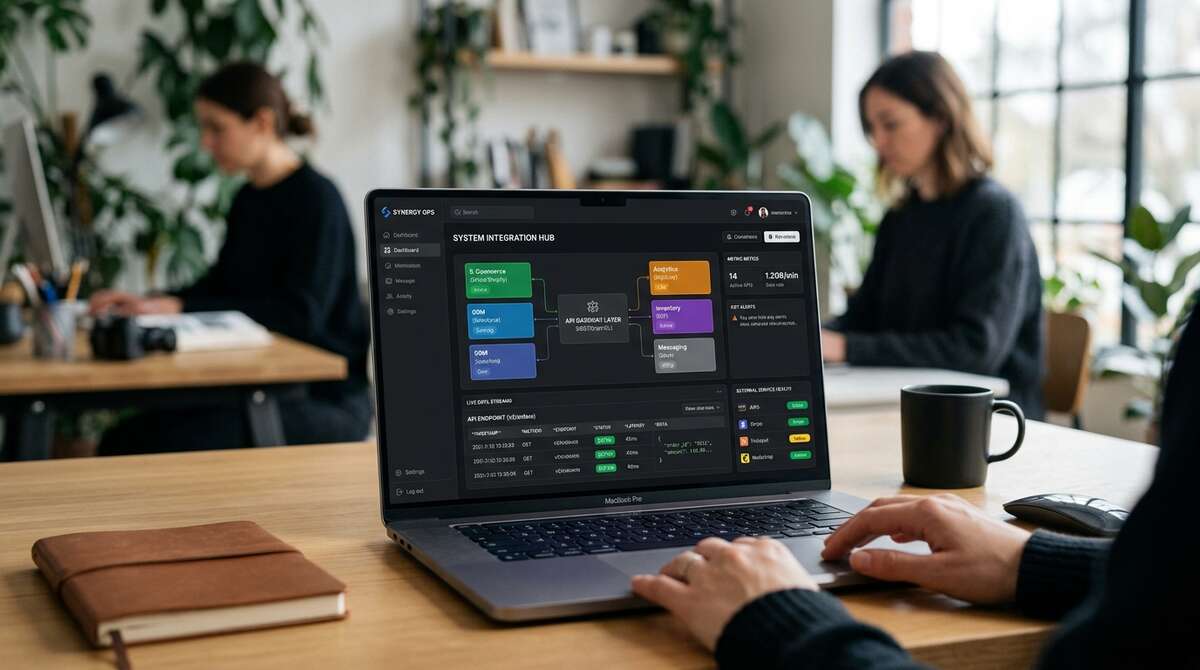
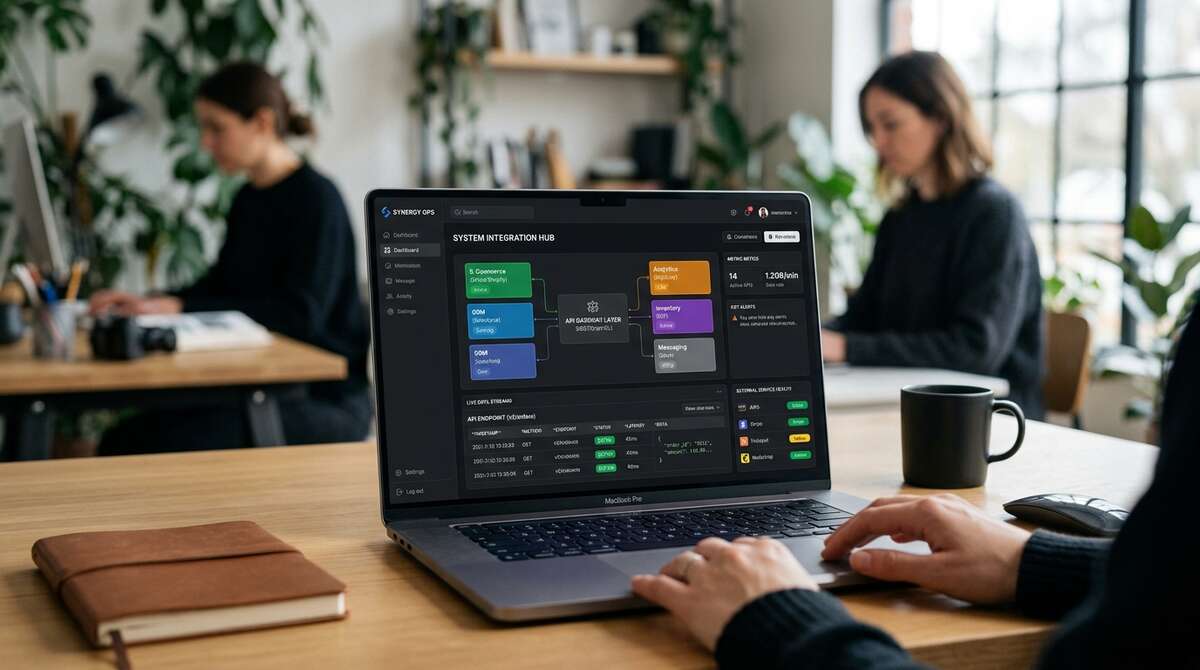
The best digital experience does not always live in one system. eLab connects websites, applications, databases and third-party platforms so information can move where the business needs it.
APIs. Databases. CRM. Payments. Reservations. Authentication. Analytics. Automation.
Connect the Systems Behind the Experience
A customer may see one website or application, but the experience behind it can depend on multiple systems. APIs and integrations allow those systems to exchange information without forcing users or staff to repeat the same work manually.
Customer Experience
Surface the right information and actions in one consistent interface.
Business Operations
Reduce duplicate entry and disconnected workflows.
Data
Move structured information between platforms, databases and applications.
Automation
Trigger actions when information changes or users complete key steps.
What We Integrate
CRM
Leads, customer records, forms, follow-up and sales workflows.
Payments & Commerce
Transactions, payment providers, order information and commerce systems.
Reservations & Booking
Hospitality, events, appointments and booking platforms.
Marketing Platforms
Email, CRM, advertising, campaign and automation systems.
Analytics
Measurement, event tracking, reporting and attribution.
Authentication & Accounts
User login, account systems, gated experiences and identity providers where appropriate.
Data Services
Internal databases, directories, inventory, listings and third-party data sources.
Custom Business Systems
Proprietary or specialized platforms unique to the organization.
Different Industries. Different Connections.
Hospitality
Reservations, private-dining inquiries, CRM and analytics.
Automotive
Inventory, vehicle data, registrations and lead systems.
Tourism
Maps, directories, events and business listings.
Events
Registration, attendee data, schedules and communications.
Associations
Membership, directories, events and gated resources.
APIs Make Systems Useful Together.
An API allows one system to request, send or update information in another. That can make a digital experience substantially more useful without rebuilding every system from scratch.
- •Retrieve inventory & Submit a lead
- •Check availability & Create a registration
- •Process a payment & Update a customer record
- •Retrieve event information & Synchronize content or data
When the Data Belongs to the Business.
Some experiences require a custom data model rather than content stored on static pages. Structured databases can support vehicles, members, businesses, events, products, reservations, directories or other information that needs to be searched, filtered and managed over time.
- •Structured data & Relationships
- •Search & Filtering
- •Administrative tools & Reporting
- •Import/export capabilities
- •Reusable data across multiple interfaces
Use the Right Tools. Connect Them Well.
Custom development does not mean rebuilding everything. When a proven third-party service already solves part of the problem well, the better approach may be to integrate it into the experience rather than recreate it.
A Form Can Start a Workflow.
A form submission does not have to end in an inbox. Integration connects the systems. Automation determines what should happen next.
- •Lead routing
- •Confirmations
- •Notifications
- •Record updates
- •Scheduled synchronization
Connected Experiences Can Be Personal.
Applications may need users to sign in, access account-specific information or see different functionality based on their role. Integration with authentication and account systems can support those experiences.
- •Login & Profiles
- •Roles & Permissions
- •Gated content
- •Personalized experiences
Integrations Need to Fail Gracefully.
External systems can be slow, unavailable or change over time. Strong integration architecture anticipates those conditions so the user experience does not collapse when another service has a problem.
- •Validation & Retries
- •Logging & Error handling
- •Fallbacks & Monitoring
- •Documented integrations
- •Modular architecture
- •Reusable services
- •Configuration management
- •Maintainable data models
When Should Systems Be Integrated?
Good candidates include: staff entering the same information in multiple systems, customers leaving the website to complete basic tasks, important data living in disconnected systems, manual reporting, duplicate customer records, custom workflows, information that changes frequently, and applications requiring real-time or structured data. Not every system needs to be connected. The goal is to reduce friction where integration creates meaningful value.
Integrate or Build?
Integrate: Use an existing platform when it already solves the problem well. Build: Create custom functionality when the business requirement is unique or existing tools introduce too much compromise. Combine: Often the best solution is a custom experience connected to proven third-party services.
Make the Data Flow Make Sense.
Good integrations are not only about moving data. They need clear rules around what information is collected, where it goes, when it changes and what should happen next.
Related Capabilities
Have Systems That Need to Work Together?
Tell us where the information lives, what users need to accomplish and where the current workflow creates friction. We’ll help determine what should connect and how.